Original prompt
Build a simple 2D floor-plan editor where I can draw walls, add doors and windows, drag objects, and see room dimensions.
2D 户型图编辑器
4 runs · 11.A.01 · HTML
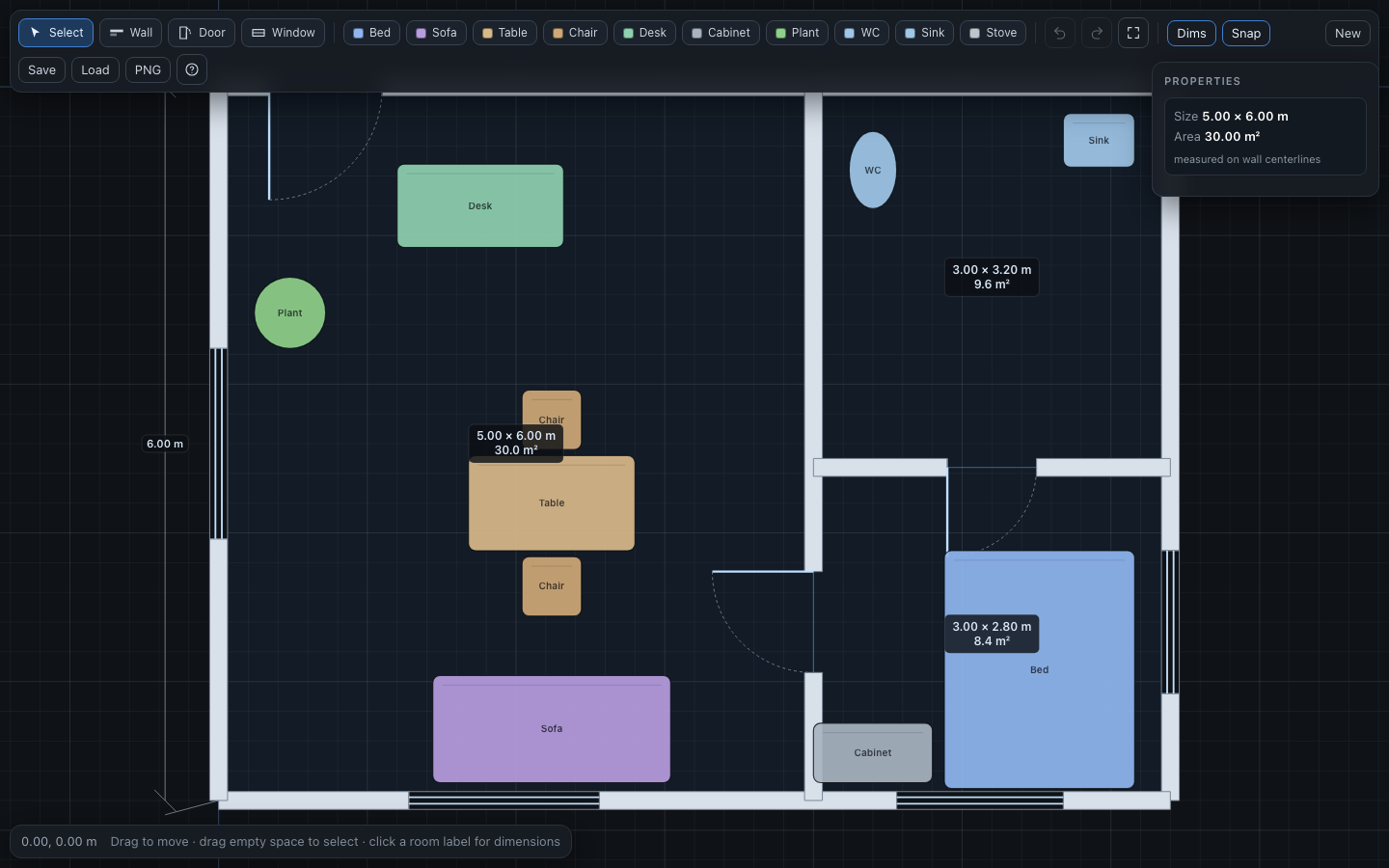
Preview note: Embedded storage and downloads can be restricted by browser sandboxing; use the standalone view for full behavior.
PROMPT/Phase1_TEST_PROMPTS_BILINGUAL.md · The original prompt is kept verbatim
Build a simple 2D floor-plan editor where I can draw walls, add doors and windows, drag objects, and see room dimensions.
构建一个简单的 2D 户型图编辑器,让我可以绘制墙体、添加门窗、拖动物体并查看房间尺寸。
The deliverable should be an interactive 2D floor-plan editor with at least four core capabilities: wall drawing, doors and windows attached to walls, object placement and dragging, and room-dimension display. Coordinates, scale, and snapping should be consistent. Connected wall endpoints should form recognizable enclosed rooms, and openings should remain attached to their wall when moved. Object dragging should preserve selection and positional accuracy. Dimensions should state their units and measurement convention and update live when geometry changes. The UI should make tools and selection states discoverable and provide recovery from mistakes.
All three results use the same width and the same preview ratio; no model is marked as best.
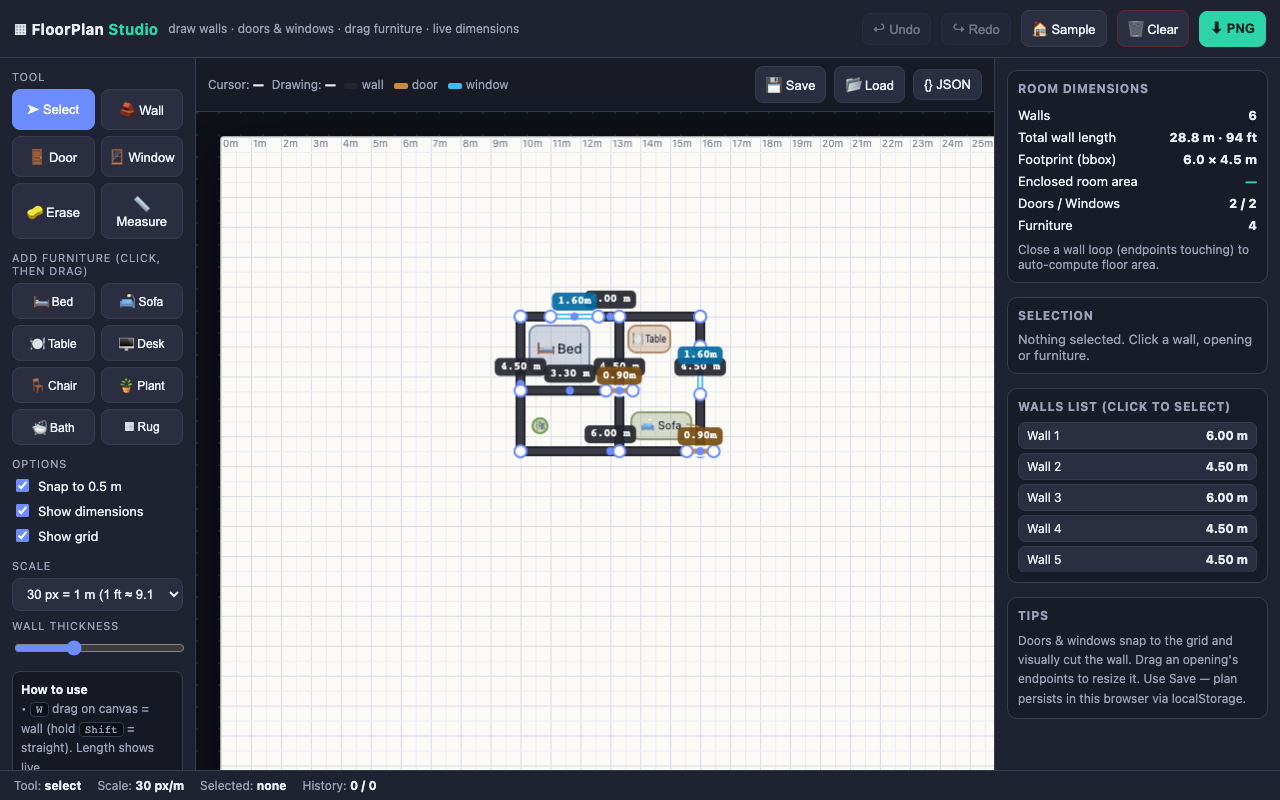
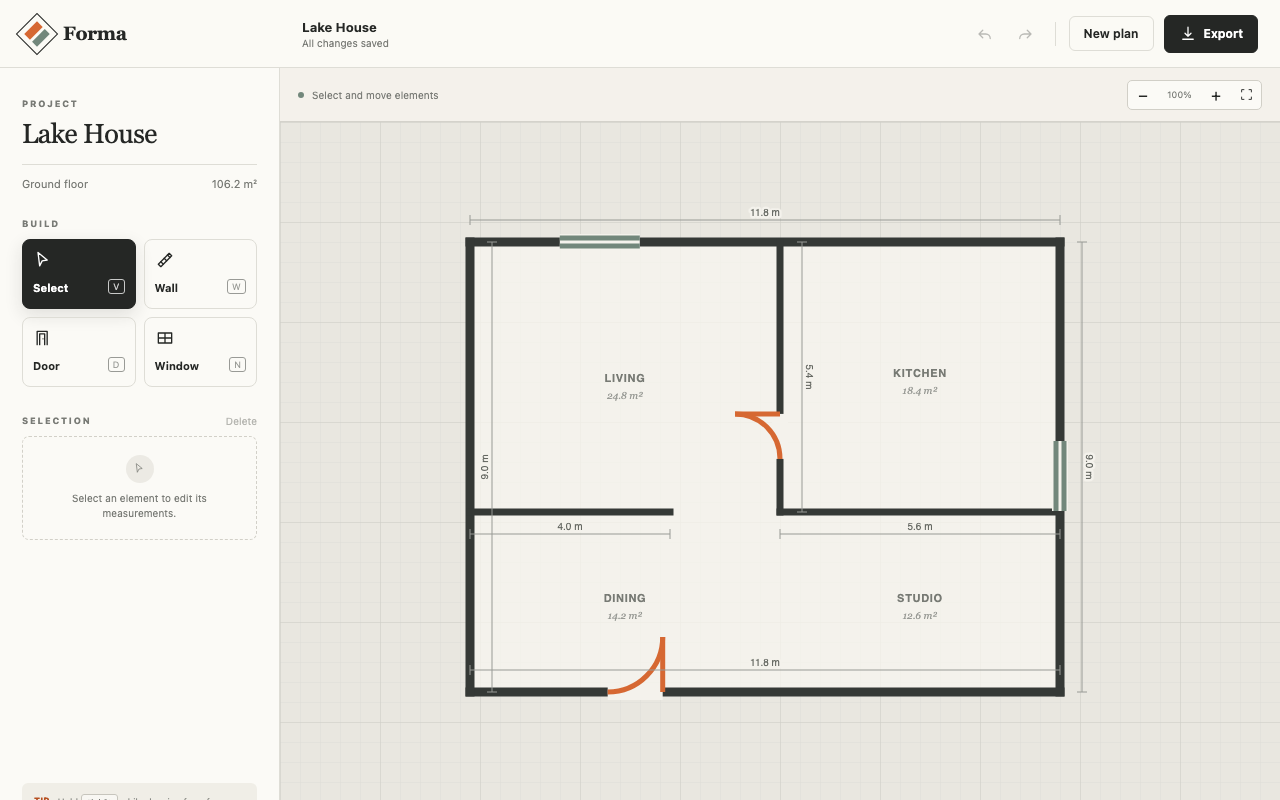
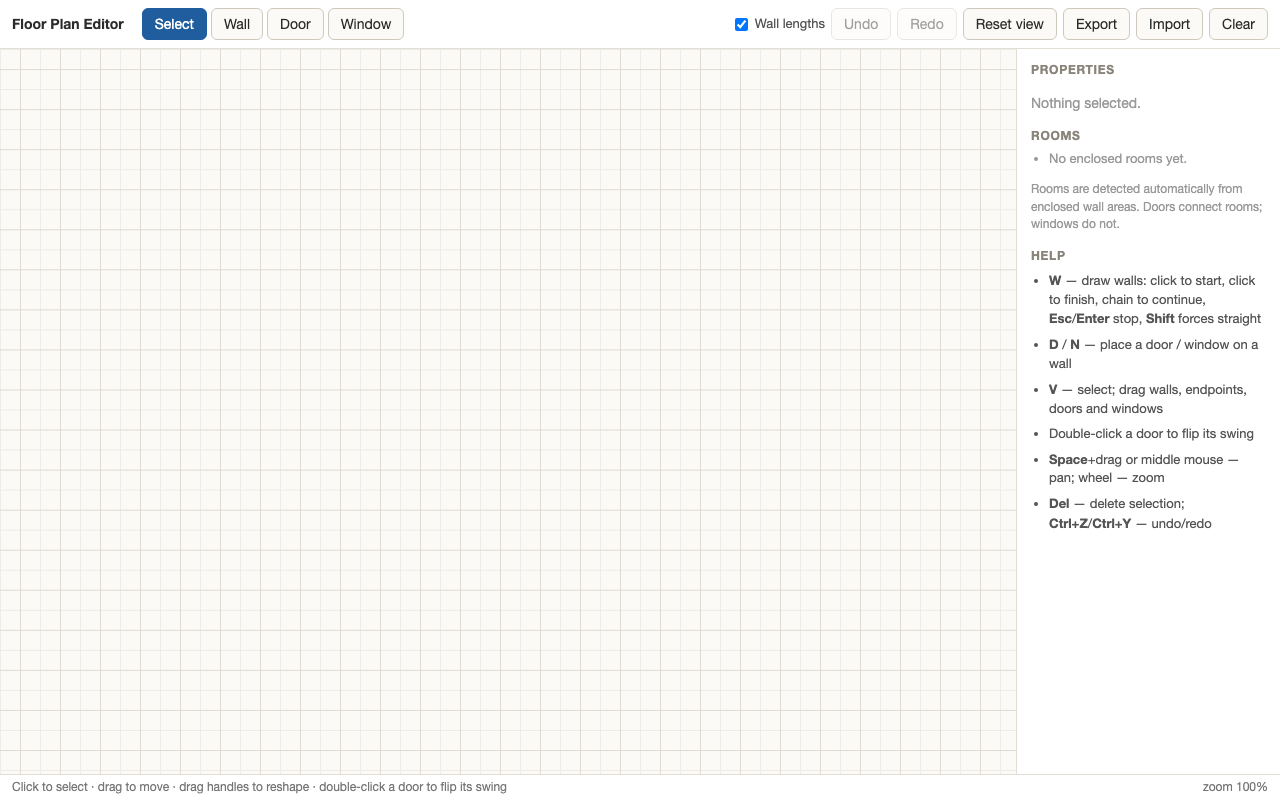
Cross-model comparison must note differences in harness, budget and isolation.
| Metric | DeepSeek-V4.1-Flashrun-deepseek-v4-1-flash-exp-0910-task-11-r1 | Muse Spark 1.3run-muse-spark-1-3-task-11-r1 | GPT-5.6 Solrun-gpt-5-6-sol-task-11-r1 | K3run-k3-task-11-r1 |
|---|---|---|---|---|
| Runtime | 12:10 | 1:43 | 9:04 | 18:54 |
| API calls | 81 | 12 | 22 | 19 |
| Tool calls | 80 | 12 | 7 | 18 |
| Failures / retries | 4 | 0 | 0 | 2 |
| Token throughput | 7.8M | 264.2K | 1M | 1.2M |
| AI review | 97/100 | 84/100 | 64/100 | 87/100 |
Two runs of the same task version can be compared side by side.
Type to search; ↑ ↓ to choose, Enter to open
No matching archive records.